
User manual for the HID Global DTC1000/DTC4000 card printer‑encoder covering specifications, installation, configuration, and troubleshooting.
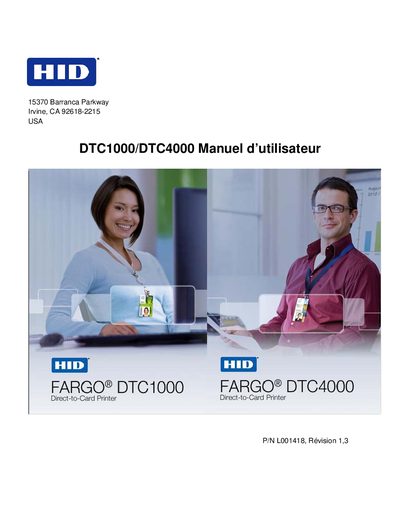
This manual provides detailed information for operating the HID Global DTC1000/DTC4000 card printer‑encoder. It includes technical specifications, regulatory compliance data, and step‑by‑step procedures for installation, ribbon loading, and software setup.
Additional sections cover printing preferences, magnetic encoding, fluorescent ribbon configuration, routine cleaning, firmware updates, and troubleshooting guidance, along with safety warnings and support contact details. This manual is written in French.
| Print resolution | 300 ppp (11.8 points/mm) |
|---|---|
| Color capability | Up to 16.7 million colors, 256 grayscale levels |
| Printing method | Thermal resin transfer / sublimation |
Install the ribbon by following the steps in Section 2, pages 20‑21, which describe loading the DTC1000/DTC4000 ribbon.
Disconnect the power cord, wear an anti‑static wrist strap, and ensure only qualified personnel perform the service.
Use the firmware upgrade procedure described in Section 9 on page 119.