
This manual introduces the configuration method of C10 color display, including initial power-up, language selection, time and date setting, unit selection, vessel setup, engine display, warning screen, network device configuration, automatic selection function, fluid level sensor configuration, alarm setting, fuel level sensor calibration, GPS antenna, and Suzuki engine interface.
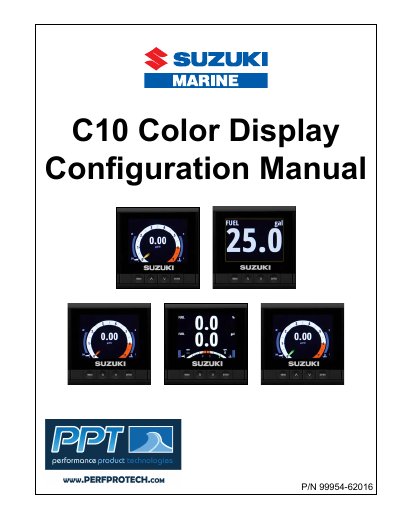
The document provides step-by-step instructions for setting up the Suzuki C10 Color Display, covering initial power-up procedures, language selection, time and date configuration, and unit preferences. It details how to configure vessel parameters such as engine count and fuel tank capacity.
Further sections explain how to set up engine displays, manage warning screens related to fuel levels, and customize device configurations on the network. The guide also covers adding custom pages for fluid level sensors and calibrating GPS antennas.
| Power-up time | 25 — 30 seconds |
|---|---|
| Maximum engines supported | eight |
| Simultaneous engine display limit | two |
A GPS antenna must be connected in order for the date to be accurate.
Yes, you can configure up to eight engines, but only two can be displayed at any time.