
This manual provides detailed instructions for installing, setting up, and using the Defender 5000 series indicators.
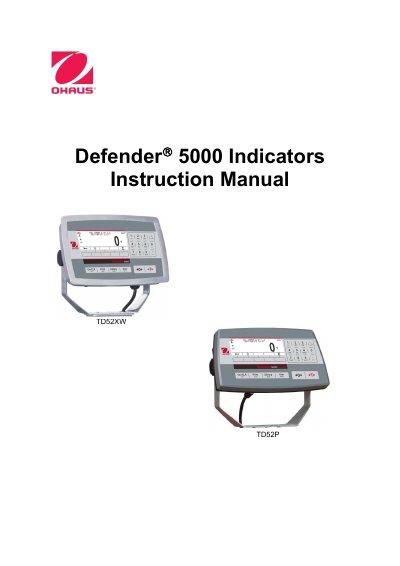
The Defender 5000 Indicators Instruction Manual covers two specific models: the TD52P and the TD52XW. It serves as a comprehensive guide for users to install, configure, and operate these industrial indicators used for weighing applications.
The document details various functions including basic weighing, counting, check weighing, dynamic weighing, and filling operations. It also explains how to navigate the menu structure for calibration, setup (units, language), readout settings, and communication interfaces such as RS232, Ethernet, Wi-Fi, and Bluetooth.
| Maximum displayed resolution | 1:75,000 |
|---|---|
| Maximum approved resolution | 1:10,000 |
| Weighing units | Kilogram, Gram, Pound, Ounce, Tonne, Ton, Custom |
| Display type | Dot matrix LCD with White Backlight |
| Ingress protection | IP68 |
| Load cell excitation voltage | 5 VDC |
| Operating temperature range | -10 ° C to 40 ° C (14 ° F to 104 ° F) |
| Mains power | 100-240 VAC / 50-60 Hz |
This manual covers the TD52P and TD52XW Indicators.
The maximum displayed resolution is 1:75,000.
Yes, the TD52P and TD52XW models include a Bluetooth Configuration menu.