
This manual introduces the use of the Defender 5000 Indicators. Introduces the appearance, installation, wiring, setting and calibration of the indicator.
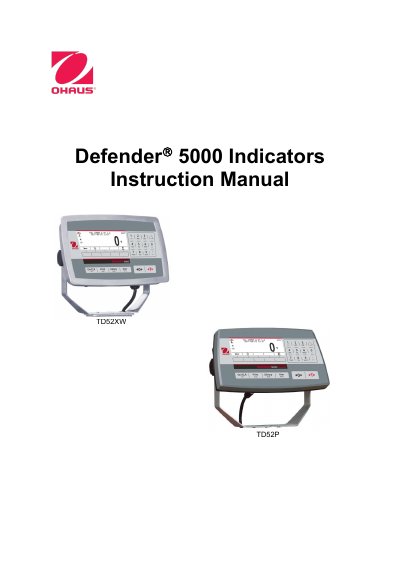
This document serves as the instruction manual for the Defender 5000 series indicators, specifically models TD52P and TD52XW. It covers safety precautions, an overview of parts and controls, and detailed control functions for the device's keypad and display.
The guide provides comprehensive instructions for installation, including unpacking, external and internal connections, and mounting. It details how to configure various settings such as capacity units, language, and communication interfaces like RS232, Ethernet, and Bluetooth. Additionally, it explains weighing modes, operation procedures, and maintenance tasks including cleaning and troubleshooting.
| Housing Material (TD52XW) | stainless-steel |
|---|---|
| Housing Material (TD52P) | ABS plastic |
| Display Type | Dot matrix LCD |
| Ingress Protection | IP68 |
| Operating Temperature | -10 °C to 40 °C |
| Mains Power | 100-240 VAC / 50-60 Hz |
| Maximum Counting Resolution | 1:1,500,000 |
The supported modes include Basic weighing, Percent weighing, Piece Counting with Optimized APW, Animal weighing/Dynamic weighing, and Check weighing.
The maximum relative humidity is 80% for temperatures up to 31°C, decreasing linearly to 50% relative humidity at 40°C.
The indicators support RS232 (standard), RS485, Ethernet, Wifi, and Bluetooth configurations.