
This document is about the OHAUS ScoutTM USB Device Interface instruction manual
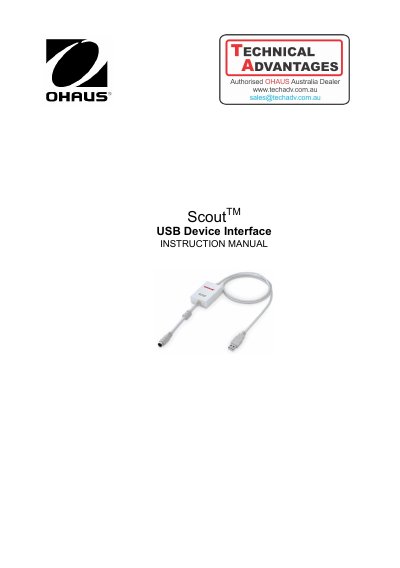
The document serves as an instruction manual for the OHAUS Scout USB Device Interface Kit. It details how to install the interface module on specific balance models (STX, SPX, SKX, SJX) and explains the process of installing the necessary virtual port software drivers on a computer running Windows.
The guide covers configuration settings for both the balance and the computer, including baud rates, data transmission parameters, and print formats. It provides specific output string examples for different Scout models (STX and Pro series) to help users verify correct communication between the scale and connected applications.
This Interface Kit is for use with OHAUS Scout STX, SPX, SKX and SJX series products.
The OHAUS Interface is preset to communicate using 9600 baud, 8 bit, no parity, and no handshake.
Supported systems include Windows 98, 98SE, ME, 2000, XP, and 7.