
This manual provides general information about operating a notebook computer, including safety precautions, battery and AC adapter usage, and notebook computer components and operation.
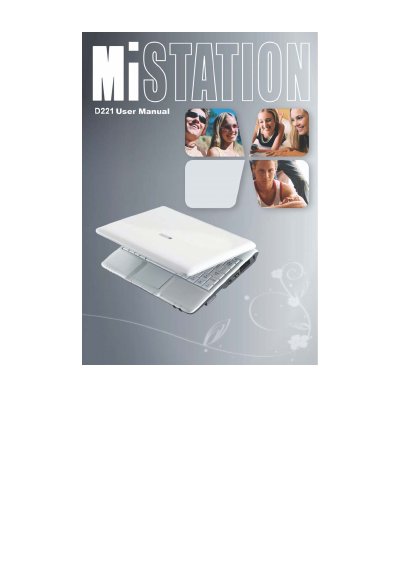
The Mi D221 is a portable notebook computer designed for general computing tasks. This user manual covers essential topics including unpacking the device, connecting to AC power, and turning the system on and off. It details the location of various components such as USB ports, card readers, and audio jacks on both sides and the bottom of the unit.
There is a danger of explosion if the battery is incorrectly replaced; replace only with the same or equivalent type recommended by the manufacturer.
No, using another type of AC adapter will result in malfunction and/or danger.