
This is a service manual and troubleshooting guide that introduces the 7521 Plus/N hardware engineering specifications, including system introduction, hardware system, special features, system BIOS, peripheral components, GPIO definitions, etc.
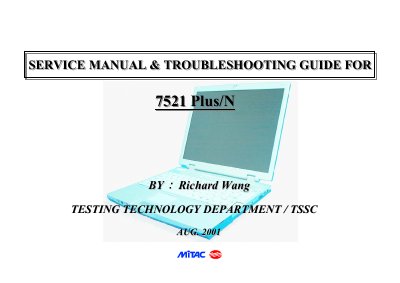
The document serves as a comprehensive service guide for the TSSC 7521 Plus/N portable notebook computer. It details hardware engineering specifications, including supported processors (Intel Pentium III/Celeron), memory configurations, and peripheral components such as LAN, USB, and audio interfaces.
The manual covers system views, disassembly procedures, connector definitions, and major component locations. It includes diagnostic tools usage, error code explanations, and specific troubleshooting steps for issues like power failure, display problems, memory errors, and port failures.
| Processor Support | Intel Pentium III at FSB 133/100MHz and Celeron at FSB 66MHz |
|---|---|
| On-board Memory | 64MB SDRAM |
| Maximum Memory Upgrade | 320MB |
| Power Management Standard | ACPI 1.0 |
Press the F2 key at system start up or warm reset.
The SiS630S single chip set integrates the 128-bit 3D graphics accelerator.