
This is a PDF file of laptop user manual
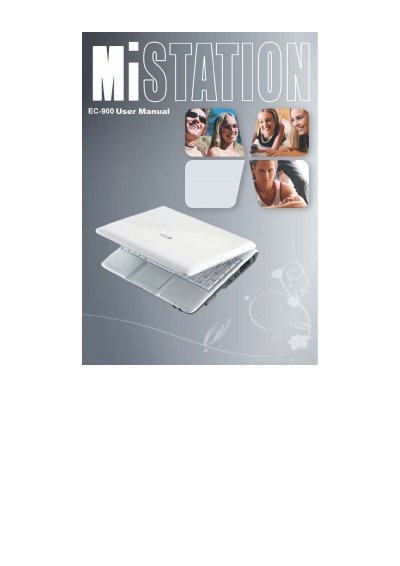
The EC-900 User Manual guides users through getting started with their new computer. It covers unpacking the device, connecting to AC power, turning the system on and off, and identifying various components located on the right side, left side, bottom, and top of the unit.
Subsequent chapters detail daily operations such as using the keyboard, touchpad, video features, audio devices, LAN, and WLAN. The guide also explains how to manage power via the AC adapter and battery pack, including charging procedures and power-saving tips like hibernation.
There is a danger of explosion if the battery is incorrectly replaced. It must only be replaced with the same or equivalent type recommended by the manufacturer.
No, you must use only the AC adapter supplied with your computer; using another type will result in malfunction and/or danger.
The manual indicates that there are specific signals and actions to take when the battery level is low, though it does not list them explicitly.