
Key facts
- Manuals
- 1
- Languages
- EN
- Last added
- 2023-10-16
Featured EC-900 manuals
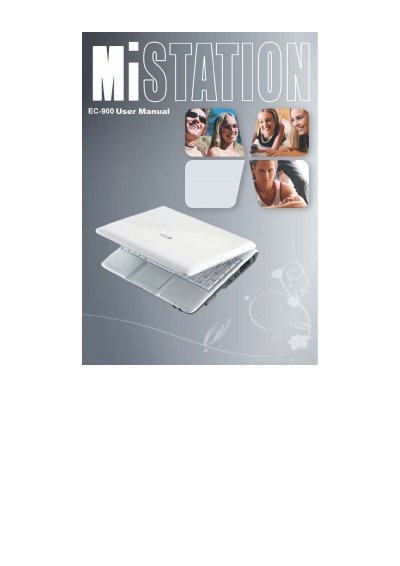
EC-900 Laptop User Manual
The EC-900 User Manual guides users through getting started with their new computer. It covers unpacking the device, connecting to AC power, turning the system on and off, and identifying various components located on the right side, left side, bottom, and top of the unit.
Subsequent chapters detail daily operations such as using the keyboard, touchpad, video features, audio devices, LAN, and WLAN. The guide also explains how to manage power via the AC adapter and battery pack, including charging procedures and power-saving tips like hibernation.
Covers: Getting Started · Operating Your Computer · Managing Power · Expanding Your Computer · Using BIOS Setup · Caring for the Computer
Latest EC-900 manuals
EC-900 Laptop User Manual
User Manual 90 pages · 1.3 MB · ENThis manual provides instructions for setting up, operating, and maintaining the EC-900 laptop computer.
Which document do I need?
User Manual
Day-to-day operation, settings and troubleshooting. Start here if the product is already set up.
Questions answered in EC-900 manuals
What safety precautions should be taken regarding the battery?
There is a danger of explosion if the battery is incorrectly replaced. It must only be replaced with the same or equivalent type recommended by the manufacturer.
Can I use a different AC adapter than the one supplied?
No, you must use only the AC adapter supplied with your computer; using another type will result in malfunction and/or danger.