
This manual describes basic operations for the bizhub 5000i/4000i machine, such as paper handling, printing, and network configuration.
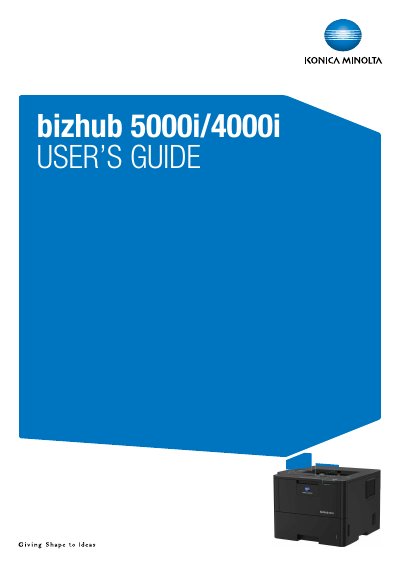
This document serves as a comprehensive user manual for the Konica Minolta bizhub 5000i and bizhub 4000i series of electrophotographic laser printers. It covers essential topics including machine introduction, control panel navigation, paper handling, and printing from various computer platforms such as Windows and Mac.
The guide also details network configuration options, security features like SSL/TLS and Active Directory authentication, mobile printing capabilities via Google Cloud Print and Mopria, routine maintenance tasks, and troubleshooting steps for common issues such as paper jams and print quality problems.
| Print Method | Electrophotographic Laser Printer |
|---|---|
| Memory Capacity (bizhub 4000i) | 256 MB |
| Memory Capacity (bizhub 5000i) | 512 MB |
| LCD Type (bizhub 4000i) | 16 characters x 1 line |
| LCD Type (bizhub 5000i) | 1.8 in. TFT Colour Touchscreen LCD |
| Power Source (Average) | 110 to 120 V AC 50/60Hz |
This User's Guide applies to the bizhub 4000i (1 line LCD) and bizhub 5000i (1.8 inch Touchscreen LCD).
The standard memory capacity for the bizhub 5000i is 512 MB.