
This manual introduces the functions and application scenarios of IridiTRAK RST430
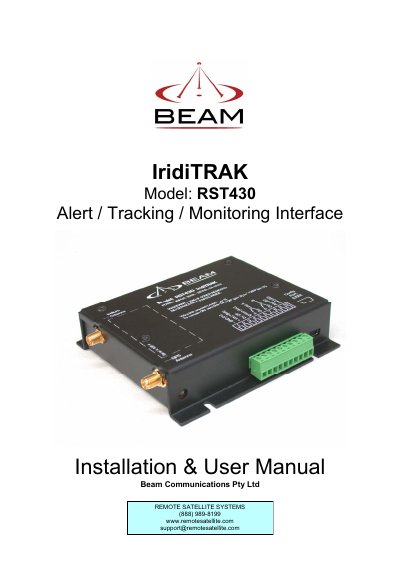
The BEAM IridiTRAK is a global alert, tracking, and monitoring system designed for use with the Iridium satellite network. The RST430 model supports applications such as Ships Security Alert Systems (SSAS), Vessel Monitoring Systems (VMS), vehicle/asset monitoring, and wireless duress alarms. It features an in-built GPS engine and operates on a 9-32VDC input.
| Electrical Power Input (DC) | 9 to 32VDC, 2A |
|---|---|
| AC Plug-pack Input | 90-250VAC, 50/60Hz input |
| Idle Power Consumption | 1.5 Watt |
| Transmit Mode Power | 1.8 Watt |
| Sleep Mode Current | 20mA |
| Alarm Loop Configuration | 2 x Alarm Loops (2 inputs, and 2 outputs) |
The unit operates on a DC input of 9 to 32VDC.
The manual states that the alarm loop cable run can be up to 500 meters.
The antenna must be located more than 0.3 meters (1 foot) from the human body.
The unit accepts a DC input voltage ranging from 9 to 32 volts.