
This document is a user manual for ComCenter-II 'Outdoor' product, which mainly introduces the product features, installation, operation, etc.
The ASE ComCenter-II 'Outdoor' serves as an interface between the Iridium satellite network and standard POTS/RJ-11 telephone handsets or PABX equipment for voice, and IP for data. It features a compact design with a built-in antenna, supporting both pole and surface mounting for outdoor exposure. The device offers extended 2-wire connections up to 3Km and includes a PC-based user console for system setup.
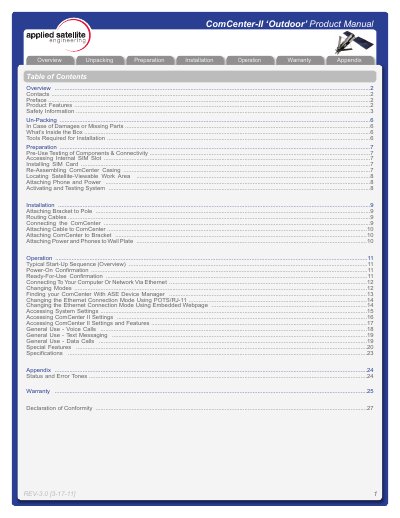
The document covers the complete lifecycle of the device, from unpacking and safety precautions to physical installation and operational procedures. Key sections include pre-use testing of components, accessing the internal SIM slot, attaching the unit to a pole or wall plate, and configuring connection modes via Ethernet or POTS/RJ-11. It also details general usage for voice calls, text messaging, and data calls.
| Data Connectivity | using Ethernet Infrastructure |
|---|---|
| Voice Features | Indoor Satellite Phone Usage |
| Extended Connection | up to 3Km |
| Mounting | Pole or surface mount |
| Power Output | 24VDC, 15W |
It provides an interface between the Iridium satellite network and standard POTS/RJ-11 telephone handsets and PABX equipment for voice, and IP for data.
No, the carton does not include the mounting pole because the length varies widely; a safe work area and tools are required for installation.
Installation requires a #2 Phillips screwdriver, a 2mm Allen Wrench, and possibly a stable ladder.