
Describes the parts and steps required to assemble a desk
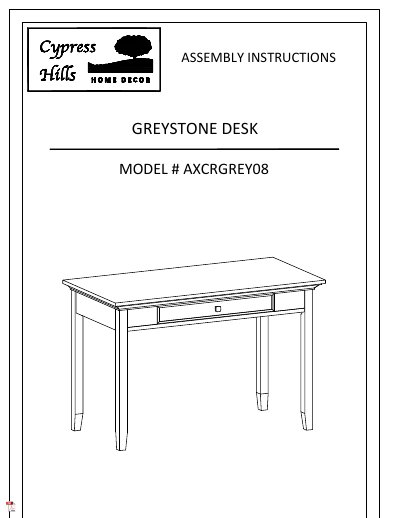
This document provides assembly instructions for the Greystone AXCRGREY08 desk. It includes a parts list, a key diagram of components, and step-by-step directions for attaching the legs and handle. Safety warnings regarding small parts and assembly tools are also included.
The guide also covers care and maintenance, specifically focusing on protecting the wood furniture from damage caused by fluctuations in relative humidity. It advises on maintaining proper humidity levels, avoiding direct sunlight, and using appropriate cleaning methods.
| Model Number | AXCRGREY08 |
|---|---|
| Required Tools | Flathead screwdriver, Phillips screwdriver, Allen Key |
Please call customer service at 1-800-667-8992.
Try to keep the relative humidity in the space close to the annual average, generally within about 10% up or down.
If you must place the furniture near heating vents, keep the piece 3 to 4 inches away from the wall.