
The GP-PWM-30-SQ is a solar charge controller that uses Pulse Width Modulation (PWM) technology to convert the direct current (DC) from a solar panel array to DC for charging a battery bank. The controller prevents overcharging of the battery and provides four stages of charging: Float, Equalize, Absorption and Start.
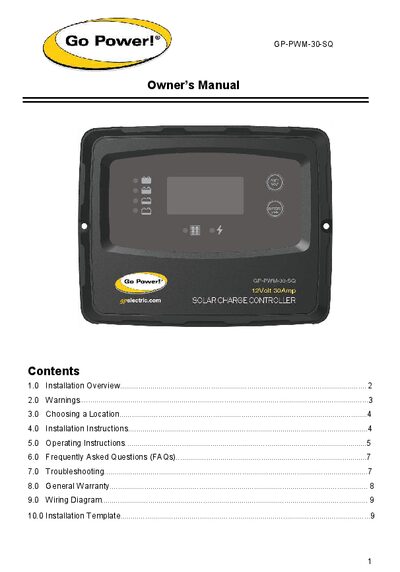
This manual provides step‑by‑step installation instructions, safety warnings, and operating procedures for the GP‑PWM‑30‑SQ 30 A PWM solar charge controller. It explains how to select the proper battery type, configure charging profiles, and perform routine checks.
The document also includes a wiring diagram, recommended wire gauges, troubleshooting tips, a FAQ section, and warranty information, helping users set up and maintain the controller safely and efficiently.
| Maximum continuous solar current | 30 A |
|---|---|
| Dimensions (H × W × D) | 156 mm × 122 mm × 38 mm |
| Weight | 151 g (5.34 oz) |
| Maximum wire gauge | #6 AWG |
| Warranty period | 1 year |
The controller is rated for a continuous solar current input of 30 amps.
Press the BATTERY TYPE button and hold for 3 seconds to enter battery‑type selection mode; the chosen type is shown on the LCD.
A 30 A inline fuse should be placed on both the solar and battery positive wires, as close to the controller as possible.