
Key facts
- Manuals
- 1
- Languages
- EN
- Last added
- 2023-10-15
Featured Go Power manuals
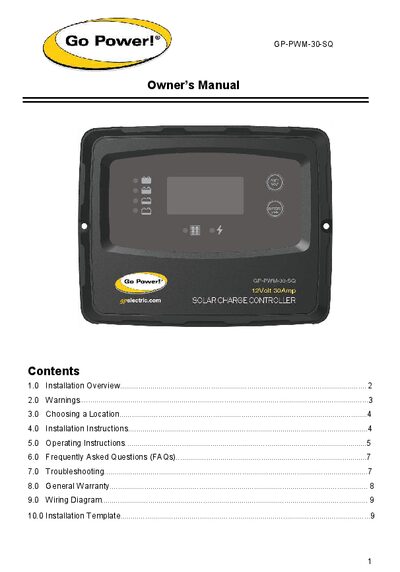
Go Power! GP-PWM-30-SQ Solar Charge Controller User Manual
This manual provides step‑by‑step installation instructions, safety warnings, and operating procedures for the GP‑PWM‑30‑SQ 30 A PWM solar charge controller. It explains how to select the proper battery type, configure charging profiles, and perform routine checks.
The document also includes a wiring diagram, recommended wire gauges, troubleshooting tips, a FAQ section, and warranty information, helping users set up and maintain the controller safely and efficiently.
Covers: Installation Overview · Warnings · Choosing a Location · Installation Instructions · Operating Instructions · Frequently Asked Questions (FAQs)
Latest Go Power manuals
Go Power! GP-PWM-30-SQ Solar Charge Controller User Manual
User Manual 11 pages · 696 KB · ENThe Go Power! GP-PWM-30-SQ user manual covers installation, operation, wiring diagram, FAQs and warranty for the 30 A PWM solar charge controller.
Which document do I need?
User Manual
Day-to-day operation, settings and troubleshooting. Start here if the product is already set up.
Questions answered in Go Power manuals
What is the maximum solar current the GP‑PWM‑30‑SQ can handle?
The controller is rated for a continuous solar current input of 30 amps.
From: Go Power! GP-PWM-30-SQ Solar Charge Controller User Manual
How do I select the battery type on the controller?
Press the BATTERY TYPE button and hold for 3 seconds to enter battery‑type selection mode; the chosen type is shown on the LCD.
From: Go Power! GP-PWM-30-SQ Solar Charge Controller User Manual