
This manual introduces how to use Genius Vision All-in-one VMS, including system installation, configuration, and use.
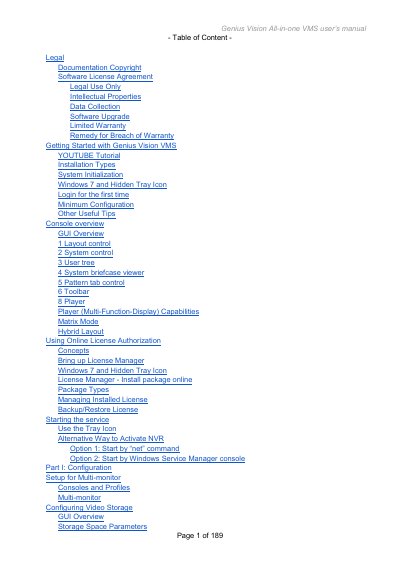
The Genius Vision All-in-one VMS is a full-featured video management system designed for multi-monitor consoles. This user's manual guides users through the initial setup, including system initialization, license activation, and basic console operations such as layout control and toolbar functions.
The document details advanced configuration topics, including adding cameras via RTSP or HTTP protocols, setting up schedules, managing permissions, and configuring intelligent video detection features like motion detection and object tracking. It also covers remote viewing options, CMS integration, and troubleshooting system issues.
Users can choose between a Full installation (installing both NVR recording engine and client console) or an NVR/CMS Remote client only option.
The installer installs a Windows service that can be managed via an organizer icon, which appears as a triangle in the Windows task-bar.