
This manual introduces the basic features, specifications and usage methods of AN-X-GENI Genius I/O communication module.
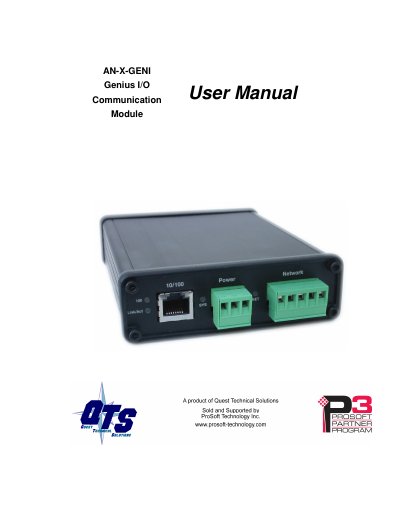
The AN-X-GENI communications module connects a ControlLogix PLC or other device to a Genius I/O network over Ethernet. It acts as a scanner on the Genius network, supporting up to 31 Genius blocks and enabling scheduled connections for reading inputs and writing outputs.
The document covers hardware features, installation requirements including power and cabling, software setup using AnxInit, configuration via web interface or RSLogix 5000, data exchange mapping, firmware updates, and troubleshooting procedures.
| Power Consumption (12VDC) | 250 mA @ 12 VDC |
|---|---|
| Power Consumption (24VDC) | 125 mA @ 24 VDC |
| Maximum Power Dissipation | 3.0W |
| Operational Temperature | 0-50° C (32-122° F) |
| Storage Temperature | -40 to 85° C (-40 to 185° F) |
| Relative Humidity | 5-95% without condensation |
The AN-X module supports up to 31 Genius blocks.
Firmware is updated over Ethernet using the Windows utility AnxInit.