
Key facts
- Manuals
- 1
- Languages
- EN
- Last added
- 2023-10-15
Featured Quest Technical Solutions manuals
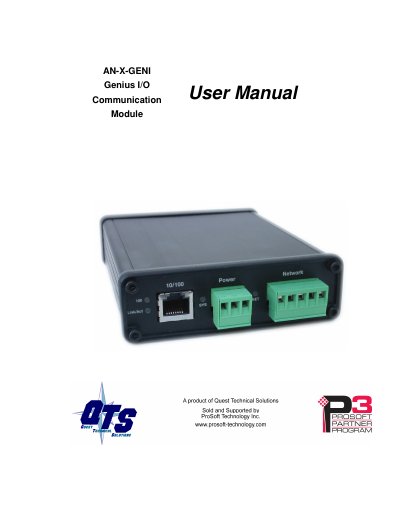
Quest Technical Solutions AN-X-GENI Genius I/O Communication Module User Manual
The AN-X-GENI communications module connects a ControlLogix PLC or other device to a Genius I/O network over Ethernet. It acts as a scanner on the Genius network, supporting up to 31 Genius blocks and enabling scheduled connections for reading inputs and writing outputs.
The document covers hardware features, installation requirements including power and cabling, software setup using AnxInit, configuration via web interface or RSLogix 5000, data exchange mapping, firmware updates, and troubleshooting procedures.
Covers: Module Overview · Hardware Features · Installation · Quick Start · Ethernet Configuration · Genius Network Configuration
Latest Quest Technical Solutions manuals
Quest Technical Solutions AN-X-GENI Genius I/O Communication Module User Manual
User Manual 69 pages · 2.5 MB · ENThis manual provides installation, configuration, and operation instructions for the Quest Technical Solutions AN-X-GENI module connecting ControlLogix PLCs…
Which document do I need?
User Manual
Day-to-day operation, settings and troubleshooting. Start here if the product is already set up.
Questions answered in Quest Technical Solutions manuals
What is the maximum number of Genius blocks supported?
The AN-X module supports up to 31 Genius blocks.
From: Quest Technical Solutions AN-X-GENI Genius I/O Communication Module User Manual
How can firmware be updated on the module?
Firmware is updated over Ethernet using the Windows utility AnxInit.
From: Quest Technical Solutions AN-X-GENI Genius I/O Communication Module User Manual