
POP 2 3D SCANNER User Manual, Introduces product hardware connection, software installation and usage methods.
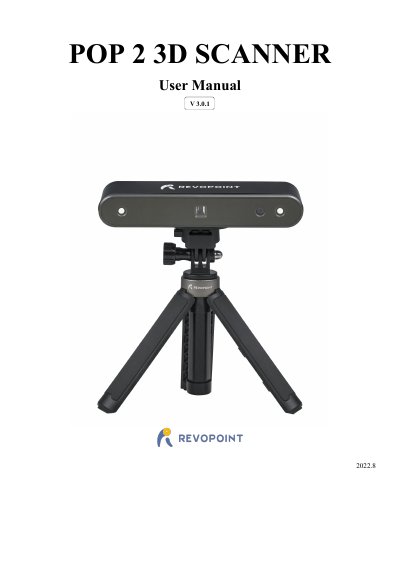
The RevoPoint 3D POP 2 is a handheld 3D scanner that combines desktop and handheld functions using dual-camera infrared structured light technology. It supports high-accuracy scanning with up to 0.05mm precision and can generate textured 3D models for printing. The device operates within a temperature range of 0°C to 40°C.
| Single-frame Precision | 0.05 mm |
|---|---|
| Working distance | 150 mm ~ 400 mm |
| Scanner weight | 195g |
| Dimensions | 154.6 ×38.2 × 25.6 (mm) |
| Output format | PLY, OBJ, STL |
The product operates between 0°C and 40°C (32°F to 104°F).
Windows 8, 10, or 11 (64-bit) with at least 8GB of memory is required.
Connect via Wi-Fi using the default SSID POP2-REVO-[Serial Number] and password Revopoint3d.