
Key facts
- Manuals
- 1
- Languages
- EN
- Last added
- 2023-10-15
Featured RevoPoint 3D manuals
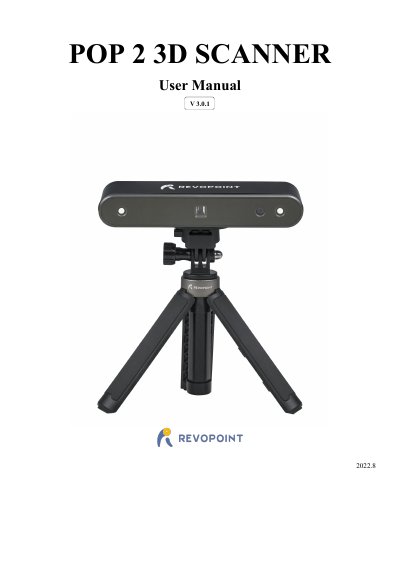
RevoPoint 3D POP 2 3D Scanner User Manual V3.0.1
The RevoPoint 3D POP 2 is a handheld 3D scanner that combines desktop and handheld functions using dual-camera infrared structured light technology. It supports high-accuracy scanning with up to 0.05mm precision and can generate textured 3D models for printing. The device operates within a temperature range of 0°C to 40°C.
Covers: Product Profile · Specifications · Packing List · Hardware Connection · Laptop Connection · Wireless Connection to a Smartphone
Latest RevoPoint 3D manuals
RevoPoint 3D POP 2 3D Scanner User Manual V3.0.1
User Manual 28 pages · 5 MB · ENThis manual covers the operation, software installation, and specifications for the RevoPoint 3D POP 2 handheld 3D scanner.
Which document do I need?
User Manual
Day-to-day operation, settings and troubleshooting. Start here if the product is already set up.
Questions answered in RevoPoint 3D manuals
What is the operating temperature range?
The product operates between 0°C and 40°C (32°F to 104°F).
What are the system requirements for Windows?
Windows 8, 10, or 11 (64-bit) with at least 8GB of memory is required.