
This Setup Guide leads you through the basic steps required to install and configure Genius to work with your POS solution.
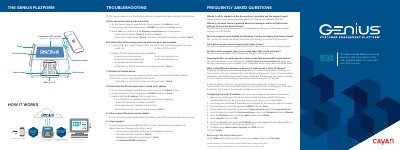
This document serves as a setup guide for the Cayan Genius device, a Customer Engagement Device (CED) used to process credit and debit card transactions. It details the physical installation of the communications module and utility cable, as well as the network configuration required to connect the device to a router or switch.
| Power Input | +12V DC |
|---|---|
| Network Interface | Ethernet |
| Payment Types | Credit, Debit, NFC, EMV |
| Display | Full color |
| Contactless Support | Apple Pay & Android Pay |
Contact Cayan Support by calling 888.249.3220; we are available 24/7/365.
Yes, the Genius device can display line items (SKU display) for certain POS providers.
The device is configured to receive a dynamic IP address by default.
The password is 9416557.