
Flowserve ValveSight D3 HART Digital Positioner Quick Start Guide

This document is the installation instructions of Flowserve ValveSight DTM. It introduces the functionality, configuration, calibration, maintenance and diagnosis methods of D3 HART Digital Positioner.
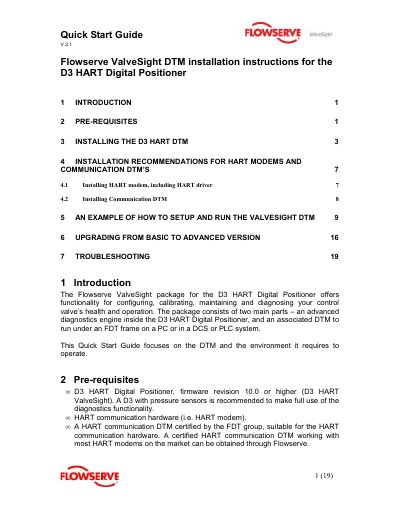

Flowserve ValveSight D3 HART Digital Positioner Quick Start Guide - cover page
Brand
Flowserve
Category
Industrial Supply
Document type
Quick Start Guide
Language
English
Pages
19
File format
PDF
File size
816 KB
Published
15 October, 2023
Updated
15 October, 2023
MD5 checksum
128B7017E3AF97CF4D15ED8E55625AB1

About this manual

This Quick Start Guide provides installation instructions for the ValveSight DTM associated with the Flowserve ValveSight D3 HART Digital Positioner. The guide details the prerequisites, including the required firmware version and compatible HART communication hardware. It explains how to install the DTM software on a PC running an FDT-compliant frame.

What's inside

  • Introduction
  • Pre-requisites
  • Installing the D3 HART DTM
  • Installation recommendations for HART modems
  • Installing HART modem
  • Installing Communication DTM
  • Setup and run the ValveSight DTM
  • Upgrading from Basic to Advanced version
  • Troubleshooting

Frequently asked questions

What firmware version is required for the D3 HART Digital Positioner?

The D3 HART Digital Positioner must have firmware revision 10.0 or higher (D3 HART ValveSight).

What is required to start the ValveSight D3 DTM?

To start the ValveSight D3 DTM, it is required that the D3 is Online, meaning communication with the D3 is established.

Download PDF (816 KB)

More Flowserve Manuals


View all Flowserve manuals →