
This document is the user manual for the BEHRIINGER ULTRALINK ULM200USB/ULM202USB wireless system. The system consists of the ULM200D wireless receiver and the ULM200M wireless microphone. It can be connected to XENYX QX2442USB mixers, B115MP3 portable speakers and other compatible devices.
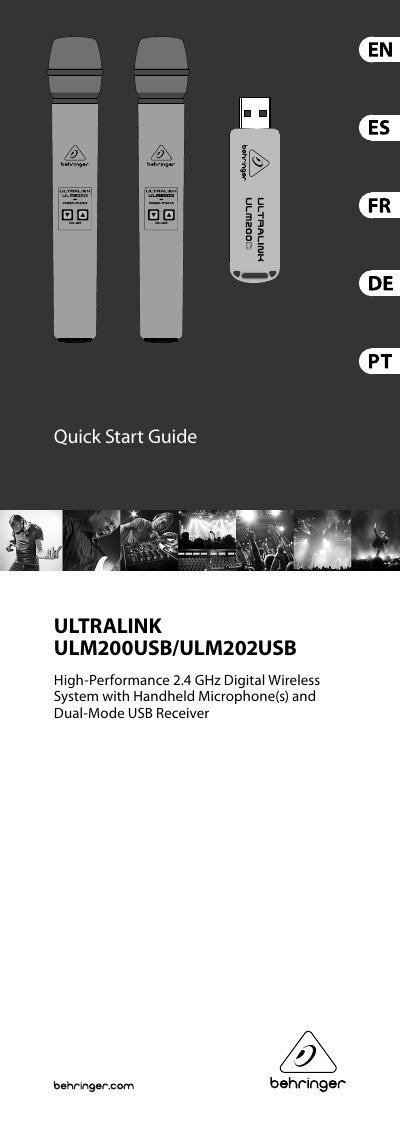
This document provides a quick start guide for the Behringer ULM200USB and ULM202USB, which are high-performance 2.4 GHz digital wireless systems featuring handheld microphones (ULM200M) and dual-mode USB receivers (ULM200D/ULM202D). The system is designed for use with Behringer mixers, powered speakers, or computers via a standard USB connection.
The guide details the setup process, including connecting the receiver to a compatible device and pairing it with the microphone by holding specific buttons. It also explains how to control volume levels using dedicated buttons on the microphone and describes the mute function, which automatically powers down the unit if not unmuted within 60 seconds.
| Operating range | 120 m (Line of Sight) |
|---|---|
| Dynamic range | 92 dB, A-weighted |
| Frequency Response | 20 Hz - 20 kHz, +1 dB |
| Latency | 14.5 ms |
| Battery life | 30 hours |
Press and hold the & button on the ULM200M wireless microphone to connect wirelessly to the ULM200D receiver.
A long press of the W button will put the ULM200M microphone into mute.
If the user does not unmute within 60 seconds, the ULM200M microphone will power down to save battery life.