
The QUALCOMM Globalstar GSP-1600 Tri-Mode Phone User Guide provides instructions on how to use the phone and important precautions. The phone is a tri-mode device with various features and characteristics.
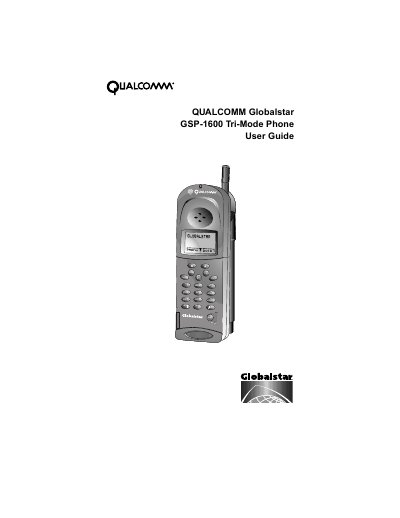
The QUALCOMM Globalstar GSP-1600 Tri-Mode Phone combines satellite technology with digital and analog cellular modes in a single device. This guide explains how to operate the phone as two distinct units depending on the mode selected for making calls.
The document covers essential topics including preparing for satellite calls, managing battery care, navigating menus such as Phone Book and Call History, and configuring security settings like locking the phone or restricting access.
You can only make calls to emergency numbers and you cannot receive calls.
Move the antenna to its optimal position pointing straight up to the sky until it sets into one of two positions.
Turn the power off immediately and remove the battery pack.