
This document is the user manual for the F3X23 series, which describes the features and characteristics of these products.
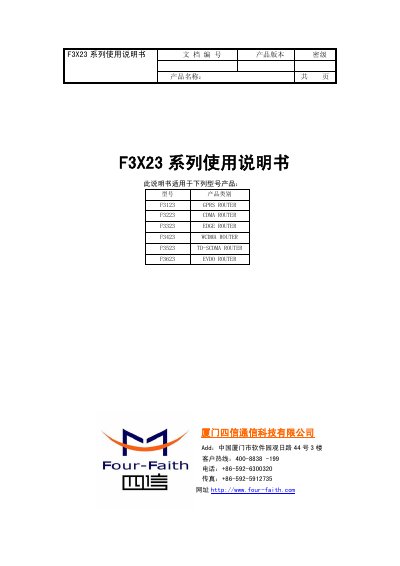
This manual covers the Four-Faith F3X23 series of industrial wireless communication routers, which support various cellular networks including GPRS, CDMA, EDGE, WCDMA, TD-SCDMA, and EVDO. The devices feature a 32-bit industrial processor, metal housing with IP30 protection, and interfaces for Ethernet and RS232/RS485/RS422 serial connections. This manual is written in Chinese.
| Power Supply Range | DC 5~35V |
|---|---|
| Ethernet Interface | 1x 10/100M RJ45 |
| Serial Port | 1x RS232/RS422/RS485 |
| Operating Temperature | -25~+65ºC |
| Dimensions | 157x97x25 mm |
| Weight | 440g |
The router supports a wide power input range of DC 5 to 35V.
The series supports GPRS, CDMA, EDGE, WCDMA, TD-SCDMA, and EVDO networks.
Press the Reset button to restore the router's parameter configuration to factory values.