
This manual covers the installation, configuration, and operation of the Four-Faith F3X14-DK series industrial wireless routers supporting 2.5G/3G/4G/5G…
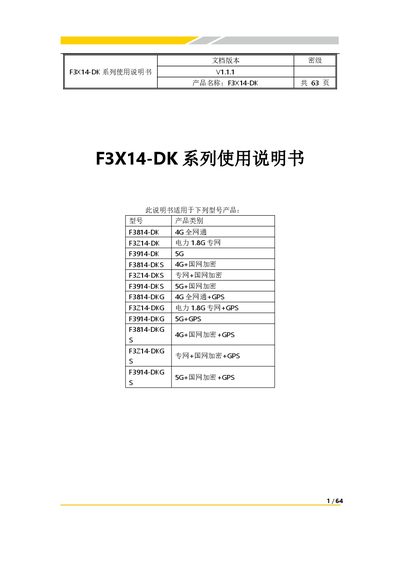
The Four-Faith F3X14-DK Series is an industrial-grade wireless communication router designed for power IoT applications. It supports various cellular network technologies including 2.5G, 3G, 4G, and 5G, as well as a dedicated 1.8GHz cellular network. The device features high-performance processing, multiple interface options (RS232/RS485, Ethernet), and advanced security capabilities like state grid encryption. This manual is written in Chinese.
| Operating Temperature | -35~+75ºC (-31~+167℉) |
|---|---|
| Storage Temperature | -40~+85ºC (-40~+185℉) |
| Power Input Range | DC9~36V (Optional 9~60V) |
| Standard Power Supply | DC12V/1.5A |
| CPU Type | Industrial 32-bit communication processor |
| Flash Memory | 16MB (Expandable to 64MB) |
| DDR Memory | 264MB |
The standard power supply is DC12V/1.5A.
Yes, it supports GPS/BDS timing and positioning functions as an optional feature.
Press the Reset button on the device to restore parameters to their default values.