
COMHIGHER NC600+ series serial port server is a product used to expand serial device communication applications. Users can easily access existing serial devices through LAN or the Internet from any location, enabling the extension of serial device data transmission applications.
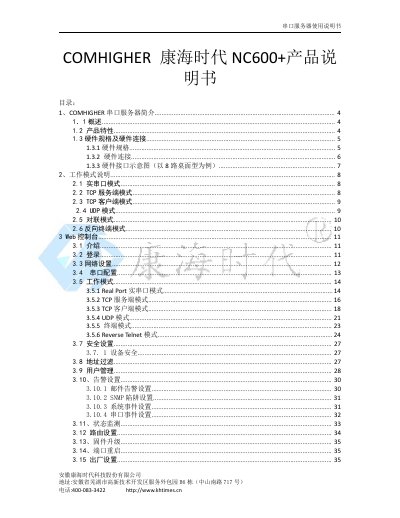
The COMHIGHER NC600+ series is a serial port server designed to extend communication applications for serial devices over LAN or Internet. It supports various working modes including Real Port, TCP Server/Client, UDP, Link Mode, and Reverse Terminal Mode, allowing users to access serial equipment like industrial controllers and POS terminals remotely.
The document details hardware specifications, connection methods, and configuration procedures using the Web Console, ComHigher Utility software, or Telnet terminal. It also covers security settings, alarm configurations, firmware upgrades, and troubleshooting. This manual is written in Chinese.
| CPU Core | ARM 920T |
|---|---|
| Max Frequency | 400M |
| Flash Memory | 64MB NAND FLASH |
| SDRAM | 64MB |
| Network Interface | 10/100M Adaptive RJ45 |
| Serial Ports | RS-232/RS-422/RS-485 |
| Power Supply (AC) | 220V/AC |
| Max Power Consumption | <15W |
| Operating Temperature | 0-55℃ |
The factory default IP address is 192.168.0.233.
Press and hold the 'RESTORE' button for 4 seconds.
The device supports RS-232, RS-422, and RS-485 interfaces.
The maximum total power consumption is less than 15W.