
Key facts
- Manuals
- 1
- Languages
- ZH
- Last added
- 2023-01-18
Featured COMHIGHER manuals
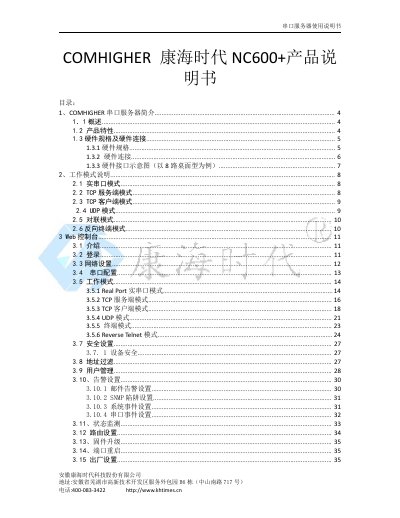
COMHIGHER NC600+ Serial Port Server User Manual
The COMHIGHER NC600+ series is a serial port server designed to extend communication applications for serial devices over LAN or Internet. It supports various working modes including Real Port, TCP Server/Client, UDP, Link Mode, and Reverse Terminal Mode, allowing users to access serial equipment like industrial controllers and POS terminals remotely.
The document details hardware specifications, connection methods, and configuration procedures using the Web Console, ComHigher Utility software, or Telnet terminal. It also covers security settings, alarm configurations, firmware upgrades, and troubleshooting. This manual is written in Chinese.
Covers: Product Features · Hardware Specifications · Working Modes (Real Port, TCP/UDP) · Web Console Configuration · ComHigher Utility Installation · Telnet Console Access
Latest COMHIGHER manuals
COMHIGHER NC600+ Serial Port Server User Manual
User Manual 43 pages · 2.3 MB · ZHThis manual covers the installation, configuration via Web/Telnet/Utility consoles, and operation modes of the COMHIGHER NC600+ serial port server.
Which document do I need?
User Manual
Day-to-day operation, settings and troubleshooting. Start here if the product is already set up.
Questions answered in COMHIGHER manuals
What is the default IP address for the NC600+?
The factory default IP address is 192.168.0.233.
How do I reset the device to factory settings?
Press and hold the 'RESTORE' button for 4 seconds.