
SPiN 100 is a Pocket PC navigation software that features easy installation, GPS setup, route planning, map viewing, trip planning, etc.
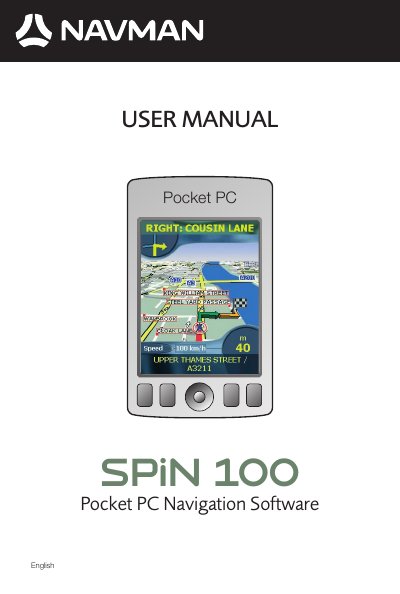
The Navman SPiN 100 is a GPS navigation software designed for use with Pocket PCs. It offers street-level detail for door-to-door navigation and includes Points of Interest such as accommodation, railway stations, and airports. The system uses the Global Positioning System (GPS) to provide accurate location data within 5 meters.
| Position Accuracy | accurate to within 5 m (15 ft) |
|---|---|
| Compatible Devices | Acer, Dell, HP, i-mate, Qtek, T-Mobile Pocket PCs |
| Receiver Compatibility | Bluetooth and serial-port connected GPS receivers |
Users must not operate the Pocket PC while driving or mount it in a way that obstructs the driver's view, interferes with airbags, or distracts from safe operation.
Yes, because the software is stored on an SD Memory Card, it can be used on multiple devices but only one person at a time.
It is recommended not to modify or overwrite these files as they are required for the software to operate.