
This document is the user manual for TFM3100-F1 Ultrasonic Flow Meter, which describes the features and characteristics of the product.
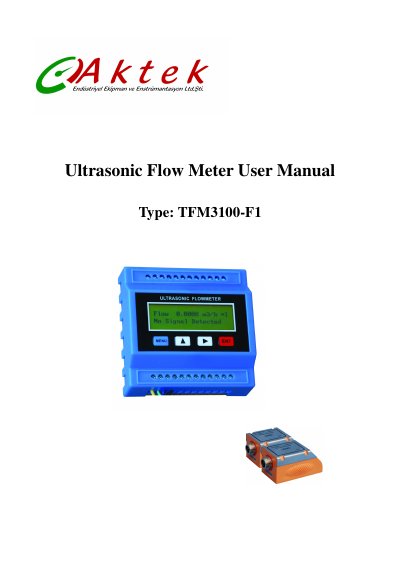
This manual provides instructions for the TFM TFM3100-F1 ultrasonic flow meter, a device designed for measuring liquids such as water, seawater, and chemical fluids. It details the setup process using parallel or serial LCD/keypad modules and PC software, emphasizing the need to solidify parameters to the internal flash memory to prevent data loss.
| Accuracy | better than 1% |
|---|---|
| Repeatability | better than 0.2% |
| Power Supply (DC) | 8V to 36VDC |
| Power Supply (AC) | 10V to 30VAC |
| Microprocessor | MSP430FG4618 |
| Analog Output | 4-20mA |
| Analog Inputs | 3 ways |
| Communication Port | RS485 |
Go to Menu 26, select 'make default paras', and press the ENT key to store parameters to internal flash memory.
A new backup battery should be replaced with the 24VDC applied to prevent data loss.