
Key facts
- Manuals
- 1
- Languages
- EN
- Last added
- 2023-01-04
Featured TFM manuals
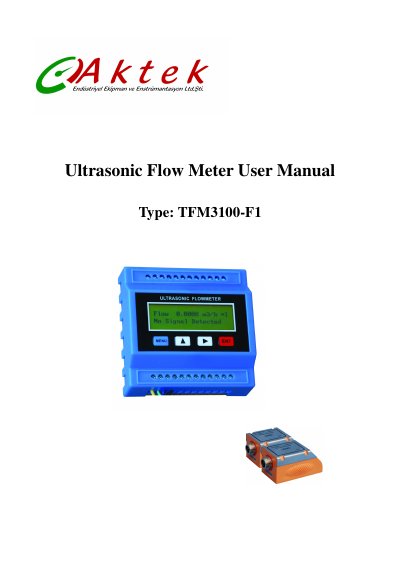
TFM TFM3100-F1 Ultrasonic Flow Meter User Manual
This manual provides instructions for the TFM TFM3100-F1 ultrasonic flow meter, a device designed for measuring liquids such as water, seawater, and chemical fluids. It details the setup process using parallel or serial LCD/keypad modules and PC software, emphasizing the need to solidify parameters to the internal flash memory to prevent data loss.
Covers: Must-knows about TFM3100-F1 · Introduction to new generation TFM3100-F1 · On Board Segmental LCD display · Menu Window Details · Transducers Installation · Installation Checkup
Latest TFM manuals
TFM TFM3100-F1 Ultrasonic Flow Meter User Manual
User Manual 56 pages · 1.1 MB · ENUser manual for the TFM TFM3100-F1 ultrasonic flow meter, covering installation, configuration, operation, and communication protocols.
Which document do I need?
User Manual
Day-to-day operation, settings and troubleshooting. Start here if the product is already set up.
Questions answered in TFM manuals
How do I save the parameters to prevent them from being lost?
Go to Menu 26, select 'make default paras', and press the ENT key to store parameters to internal flash memory.
What happens if the backup battery voltage is less than 2 volts?
A new backup battery should be replaced with the 24VDC applied to prevent data loss.