
This document is the user guide for Gateway NV77H/NV75S, providing instructions on how to start the computer, connect to wireless networks, register, install software, and perform recovery. It also covers topics such as computer basics, security and comfort, power options, software usage, and internet connection.
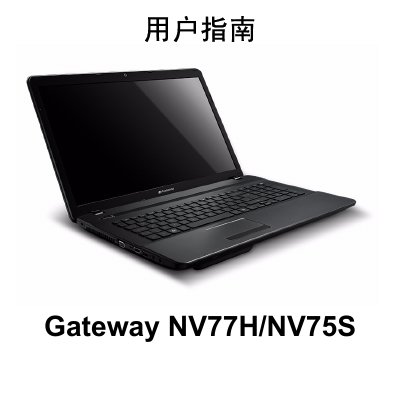
This manual provides instructions for setting up and using the Gateway NV77H/NV75S laptop. It covers initial startup procedures, wireless connection setup, and software installation processes.
The guide also details computer basics including safety precautions, health guidelines, and physical descriptions of the device from various angles. Additionally, it explains how to upgrade the computer, manage power sources like AC adapters and batteries, use multimedia features, connect to the internet, and perform system recovery. This manual is written in Chinese.
| Initial Release Date | May 2, 2011 |
|---|
You can register during the first startup when a window invites you to do so, or by visiting the website registration.gateway.com.
Write down your computer's serial number, purchase date and location, model name, and any error messages that appear when the problem occurs.