
This manual covers setup, operation, and troubleshooting for the Gateway TAB TP series tablets (G100 and G100W models), including connectivity and…
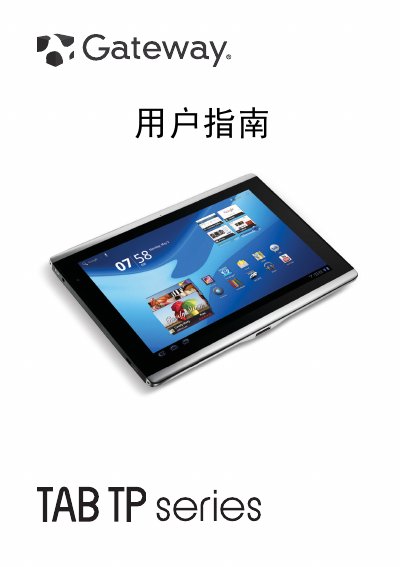
This user guide provides instructions for setting up and using the Gateway TAB TP series tablet computers. It details how to register the product, familiarize yourself with hardware components like the touchscreen and cameras, and configure basic settings such as language and time.
The document also covers connecting the device to various peripherals including PCs via USB, TVs via HDMI, and Bluetooth devices. Furthermore, it explains how to manage Wi-Fi and 3G cellular data connections, use multimedia applications for music and video playback, and perform advanced troubleshooting steps. This manual is written in Chinese.
| Screen size and resolution | 10.1 inch, 1280 x 800 pixels capacitive touchscreen |
|---|---|
| Front camera resolution | 2 megapixels |
Visit www.gateway.com and click Register, or tap the Register icon directly on the tablet.
The package includes the TAB TP series, Quick Guide, USB cable, AC adapter, and warranty card.
Press and hold the power button to turn it on, short press to toggle power/sleep mode, or long press to shut down.