
This document is a user manual for the Modbus(RS232)/PROFIBUS-DP adapter PM-126A, which describes the features, characteristics, technical specifications, and electromagnetic compatibility performance of the product.
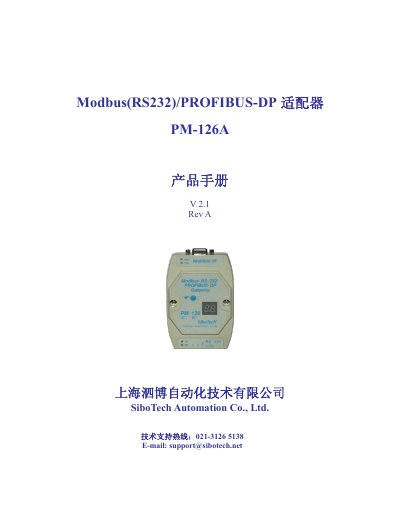
This manual describes the SiboTech PM-126A adapter, which connects RS232 Modbus devices to PROFIBUS-DP networks. It details the product's appearance, including LED indicators and configuration buttons, and provides a quick application guide for setup. This manual is written in Chinese.
| Power Supply | 24VDC (11V-30V) |
|---|---|
| Operating Temperature | -20℃~60℃ |
| Dimensions | 100mm x 70mm x 25mm |
| Mounting | 35mm rail |
| Protection Rating | IP20 |
| Max PROFIBUS Input Bytes | 168 Bytes |
| Max PROFIBUS Output Bytes | 168 Bytes |
The maximum baud rate is 12M.
Double-click the configuration button to enter the menu mode.
The module defaults to normal communication mode.