
Juniper Networks® EX2300-C is a compact, fanless, energy-efficient Ethernet switch designed for low-density branch deployments and commercial access or enterprise workgroup environments. It offers various hardware configurations and features to support multiple application services.
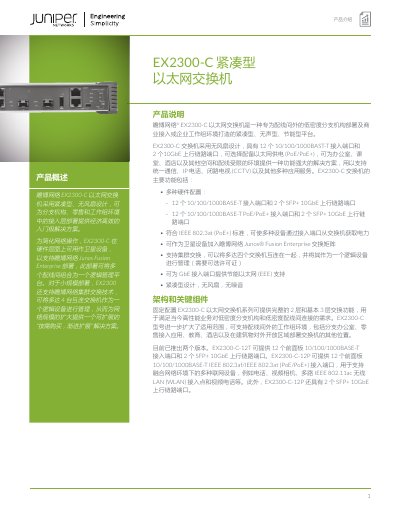
The Juniper Networks EX2300-C Ethernet switch is a compact, fanless, and energy-efficient platform designed specifically for out-of-rack low-density branch deployments and commercial access or enterprise workgroup environments. It features a fixed configuration with 12 10/100/1000BASE-T access ports and 2 SFP+ 10GbE uplink ports, with an optional PoE/PoE+ version available to power various devices. This manual is written in Chinese.
| Access Ports | 12 x 10/100/1000BASE-T |
|---|---|
| Uplink Ports | 2 x SFP+ 10GbE |
| Form Factor | Compact, Fanless, Silent |
| Width (EX2300-C) | 10.98 inches |
| PoE Power Budget (12P model) | 124 Watts |
The EX2300-C-12P model has a PoE+ power budget of 124 Watts.
Yes, it can act as a satellite device to support Junos Fusion Enterprise deployments.
Up to four interconnected EX2300-C switches can be managed as one logical device.