
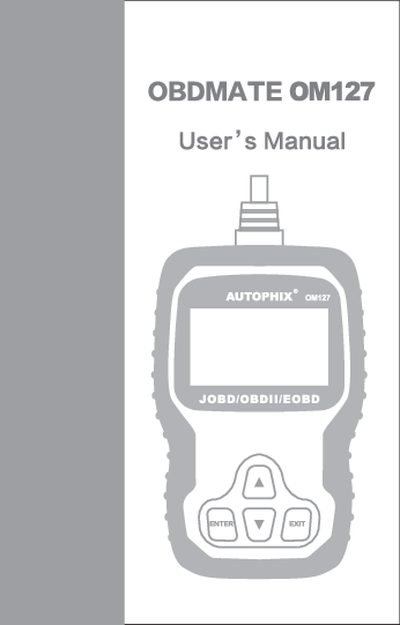
This manual begins with safety precautions and warnings to protect the user and vehicle during diagnostic testing. It outlines proper protective equipment, vehicle positioning, and safe handling of the scan tool.
The guide then explains OBD‑II fundamentals, how to locate the Data Link Connector, and how to use the OBDMATE OM127 to read and erase diagnostic trouble codes, view monitor readiness, and access vehicle information. Warranty and service information are provided at the end.
Select the "Read Codes" function under the OBDII System section of the manual.
Use the "Erase Codes" option found in the "Select Brand" section of the manual.
Always work in a safe environment, keep the vehicle in park or neutral, wear eye protection, and never connect or disconnect test equipment while the ignition is on.