
Key facts
- Manuals
- 1
- Languages
- EN
- Last added
- 2022-11-19
Featured Autophix manuals
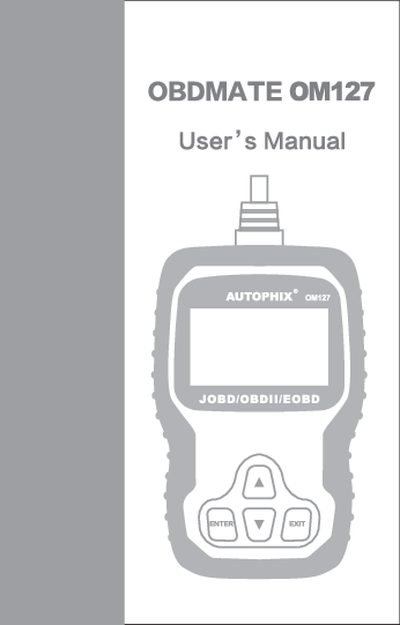
Autophix OBDMATE OM127 User Manual
This manual begins with safety precautions and warnings to protect the user and vehicle during diagnostic testing. It outlines proper protective equipment, vehicle positioning, and safe handling of the scan tool.
The guide then explains OBD‑II fundamentals, how to locate the Data Link Connector, and how to use the OBDMATE OM127 to read and erase diagnostic trouble codes, view monitor readiness, and access vehicle information. Warranty and service information are provided at the end.
Covers: Safety Precautions and Warnings · General Information · Using the Scan Tool · Select Brand · OBDII System · Warranty and Service
Latest Autophix manuals
Autophix OBDMATE OM127 User Manual
User Manual 28 pages · 5.4 MB · ENThe Autophix OBDMATE OM127 user manual provides safety instructions, OBD‑II system overview, and guidance for reading and erasing fault codes.
Which document do I need?
User Manual
Day-to-day operation, settings and troubleshooting. Start here if the product is already set up.
Questions answered in Autophix manuals
How do I read fault codes with the OBDMATE OM127?
Select the "Read Codes" function under the OBDII System section of the manual.
How can I erase fault codes using the OBDMATE OM127?
Use the "Erase Codes" option found in the "Select Brand" section of the manual.