
This document is the user manual for the English Video Intercom System AT27TD7. It includes information about the parts and functions, monitor mounting, main menu, functions setup, answering door calls, entrance monitoring, intercom function, direct call guard unit, settings, user setup, date and time set, monitor time set, ring tone set, screen and talk volume set, ring volume set, and restore to default set.
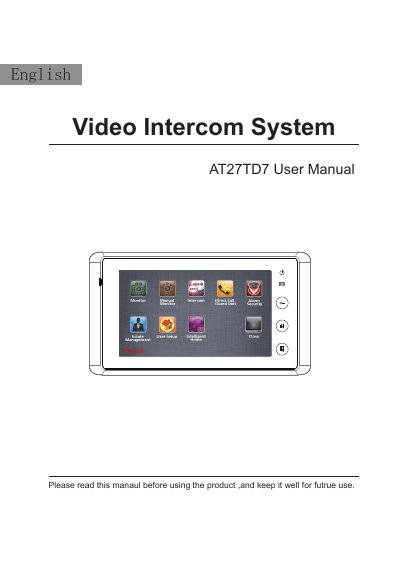
The English AT27TD7 Video Intercom System is a 7-inch digital TFT monitor designed for indoor use. The manual details the installation height (145~160cm) and connection procedures. Key functions include answering door calls, monitoring up to 8 door stations, and direct calling to a guard unit.
| Power supply | DC18~24V |
|---|---|
| Screen | 7" digital TFT(16:9) |
| Resolution | 800X480 pixels |
| Dimension | 125(H)×225(W)×23(D)mm |
The installation height for the indoor monitor is usually between 145cm and 160cm.
Up to 8 door stations and 8 cameras can be available to be monitored.
The screen displays the visitor's image for 90 seconds during communication.