
This document is a user manual for the ENGLISH VIDEO INTERCOM SYSTEM AT16/C5-AT16. It includes instructions, precautions, and product features.
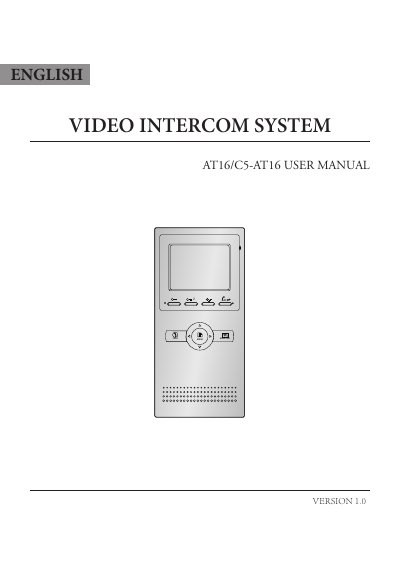
This manual provides instructions for the English AT16/C5-AT16 video intercom system, including parts identification, basic door release operations, and intercom functions. It details how to perform basic setup tasks such as setting ring tones, date and time, room address, and restoring factory defaults. The guide also explains how to adjust screen brightness and volume, and describes optional features like the defense alarm system and remote control functions.
| Monitor screen | 3.5 Inch color LCD |
|---|---|
| Display Resolution | 320(R, G, B) x 240 pixels |
| Power supply | DC 15~18V |
| Power consumption (Standby) | 1W |
| Power consumption (Working) | 5W |
| Wiring | CAT5 cable |
| Remote control distance | up to 30 meters |
You can talk with the visitor for 70 seconds during communication.
The screen will be turned off automatically after 40 seconds.
The password is 2412.
Select Information..., then select Restore to default item, and press MENU button.