
Lynx Pro Audio HR-Series Speaker Cabinet User Manual

This document is the user manual for Lynx Pro Audio's HR series cabinets, which provides information on safety precautions, cabinet connections, installation, technical data, certifications, and guarantee.
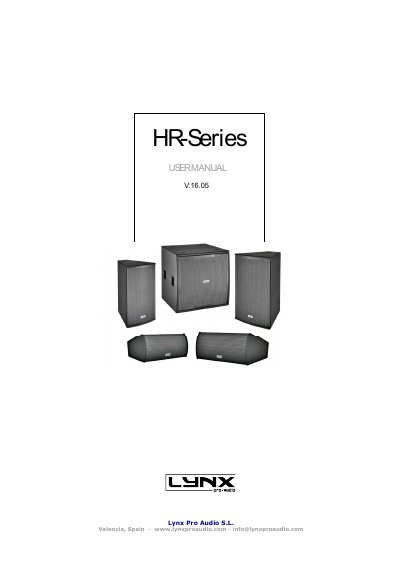

Lynx Pro Audio HR-Series Speaker Cabinet User Manual - cover page
Brand
Lynx Pro Audio
Document type
User Manual
Language
English
Pages
16
File format
PDF
File size
1.6 MB
Published
05 November, 2022
Updated
27 September, 2023
MD5 checksum
08BD5D1781C97350CEFD0665443DF381

About this manual

This user manual covers the Lynx Pro Audio HR-Series speaker cabinets, detailing safety precautions, connection methods, and installation procedures. It explains how to switch between passive and bi-amp modes and describes the use of the included Rainbow acoustic prediction software for system design.

What's inside

  • Safety Precautions
  • Cabinet Connections
  • Cabinet Installation
  • Mounting Advices
  • Coverage Change with Rotatable Horn
  • Mode Passive or Bi-Amp
  • Installation Accessories
  • Acoustical Prediction Software
  • Model Per Model Technical Data
  • Certifications

Frequently asked questions

What safety precautions should be taken when handling the HR-series cabinets?

Users must apply back protection when using heavy cabinets and avoid loading or unloading them at heights. Additionally, rigging must always be carried out by professionals.

How can the coverage of the HR cabinets be changed?

The horn can be rotated 90 degrees to change coverage, but the user must first remove the cabinet grill and unscrew the horn.

What is the default operating mode for the HR cabinets?

All HR cabinets are supplied from the factory in passive mode.

Download PDF (1.6 MB)

More Lynx Pro Audio Manuals


View all Lynx Pro Audio manuals →