
Key facts
- Manuals
- 3
- Languages
- EN
- Last added
- 2023-10-26
Featured Lynx Pro Audio manuals
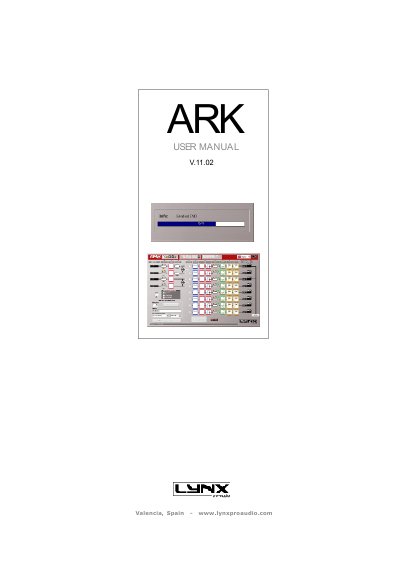
Lynx Pro Audio ARK User Manual
This manual guides users through installing and configuring the ARK digital audio controller software. It covers software and USB driver installation, firmware updates, real-time and offline editing, signal routing, crossover settings, and dynamic processing. The ARK supports multiple models (e.g., ARK7048, ARK2024) and can be controlled via USB or Ethernet. Security features include password protection and memory locking. The software also supports importing measurement data from systems like SMAART LIVE and CLIO, and exporting configurations to Lynx Rainbow Prediction Software.
Covers: Introduction · Installation Notes and First Time Running · Editing with ARK · Configuration · Appendix: Ethernet Configuration

Lynx Pro Audio HR-Series Speaker Cabinet User Manual
This user manual covers the Lynx Pro Audio HR-Series speaker cabinets, detailing safety precautions, connection methods, and installation procedures. It explains how to switch between passive and bi-amp modes and describes the use of the included Rainbow acoustic prediction software for system design.
Covers: Safety Precautions · Cabinet Connections · Cabinet Installation · Mounting Advices · Coverage Change with Rotatable Horn · Mode Passive or Bi-Amp
Lynx Pro Audio GXR-18S User Manual
The Lynx Pro Audio GXR-18S is an active loudspeaker cabinet designed for professional audio applications. This user manual details the safety precautions required before operation, including warnings regarding electrical shock, hearing damage, and proper handling of heavy equipment. It also outlines installation guidelines such as avoiding wet environments and ensuring correct mains connection.
Covers: Safety Precautions · System Overview · Back Panel Connectors · Configuring the DSP · Online Control System
Latest Lynx Pro Audio manuals
Lynx Pro Audio ARK User Manual
User Manual 69 pages · 11 MB · ENUser manual for Lynx Pro Audio's ARK digital audio controller, covering installation, editing, configuration, and network setup.
Lynx Pro Audio HR-Series Speaker Cabinet User Manual
User Manual 16 pages · 1.6 MB · ENThis manual provides installation, connection, and safety instructions for the Lynx Pro Audio HR-Series speaker cabinets, including technical data and…
Lynx Pro Audio GXR-18S User Manual
User Manual 12 pages · 1.1 MB · ENThis manual provides instructions for the Lynx Pro Audio GXR-18S active loudspeaker, covering safety precautions, system overview, connections, DSP…
Which document do I need?
User Manual
Day-to-day operation, settings and troubleshooting. Start here if the product is already set up.
Questions answered in Lynx Pro Audio manuals
What are the minimum system requirements for ARK?
The minimum system requirements are: Pentium IV or higher, 512 Mb RAM, 10 Mb free hard disk space, USB port (2.0 recommended), and Windows O.S. (98 / NT / 2000 / Me / XP / VISTA).
What are the minimum computer requirements to run the ARK software?
The computer must have a Pentium IV or higher processor, 512 Mb RAM, 10 Mb free hard disk space, a USB 2.0 port, and a Windows 98 through Vista operating system.
What safety precautions should be taken when handling the HR-series cabinets?
Users must apply back protection when using heavy cabinets and avoid loading or unloading them at heights. Additionally, rigging must always be carried out by professionals.
How can the coverage of the HR cabinets be changed?
The horn can be rotated 90 degrees to change coverage, but the user must first remove the cabinet grill and unscrew the horn.
What is the warranty period for Lynx Pro Audio products?
Lynx products are guaranteed against manufacturing faults for 2 years after the date of sale.
Can the DSP configuration be saved during a power cut?
Yes, in case of a power cut, the DSP will save its last configuration when restarted.