
The I-Fly Wireless Broadband Router features 4 Fast Ethernet ports and 1 Wan port. It has a self-test phase and multiple LEDs to indicate connection status.
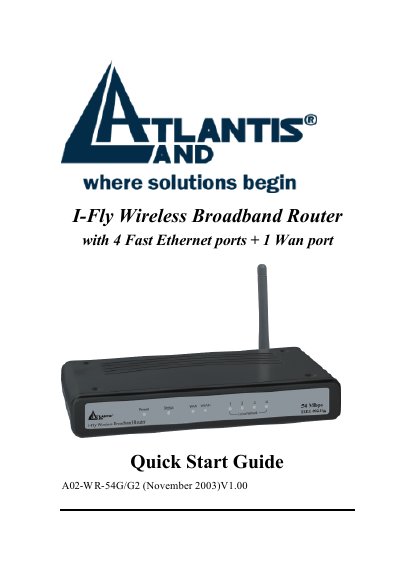
This document serves as a Quick Start Guide for the I-Fly A02-WR-54G/G2 Wireless Broadband Router. It details the package contents, including the router, network cable, power adapter, and CD-ROM. The guide provides instructions on cabling connections to RJ45 ports and explains the meaning of the front panel LEDs and rear ports, such as the LAN, WAN, and RESET buttons.
| Ethernet Ports | 4 Fast Ethernet ports + 1 Wan port |
|---|---|
| Default IP Address | 192.168.1.1 |
| Default Username | admin |
| Default Password | admin |
| Power Adapter | AC-DC (5V, 2A) |
The default username is admin and the default password is admin.
Press the RESET button for 10 seconds after the device has turned on.
A blinking STATUS LED indicates that the device is ready.