
Key facts
- Manuals
- 2
- Languages
- EN
- Last added
- 2023-10-21
Featured I-Fly manuals
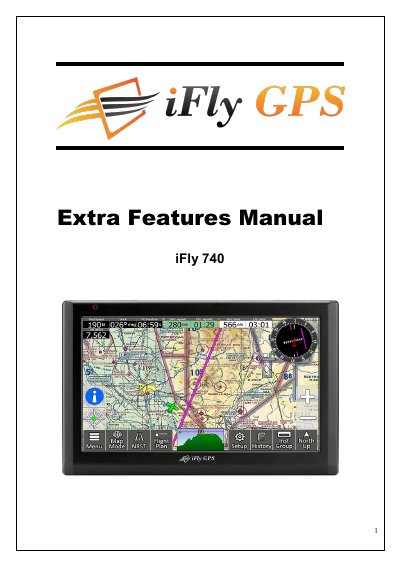
iFly 740 GPS Navigation System Owner's Manual
This manual provides instructions for installing, operating, and safely using the iFly 740 GPS navigation system. It includes sections on components, external appearance, installation procedures, power on, main menu, programs, additional functions, GPS knowledge, and support. Safety precautions are emphasized, including secure mounting, avoiding water exposure, and using only specified power adapters. The device supports multitasking and remote camera use, with detailed guidance on setup and usage.
The manual also explains GPS fundamentals, including how it works, common error sources, and usage cautions. It covers GPS signal limitations in certain environments and advises users to update chart data regularly for optimal safety. Technical support guidance is provided with a self-check list to troubleshoot issues before contacting support.
Covers: Getting Started · Programs and Basic Operation · Additional Functions · Common Knowledge on GPS · Support Guide
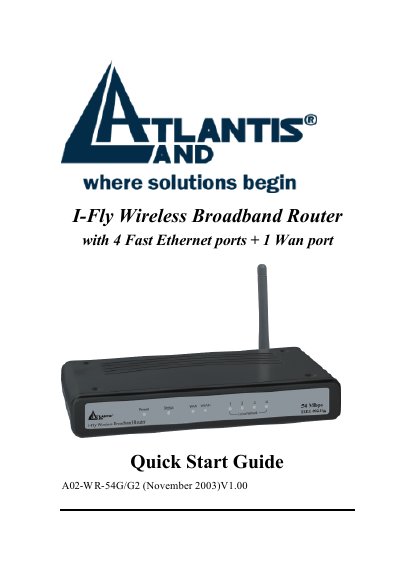
I-Fly A02-WR-54G/G2 Wireless Broadband Router Quick Start Guide
This document serves as a Quick Start Guide for the I-Fly A02-WR-54G/G2 Wireless Broadband Router. It details the package contents, including the router, network cable, power adapter, and CD-ROM. The guide provides instructions on cabling connections to RJ45 ports and explains the meaning of the front panel LEDs and rear ports, such as the LAN, WAN, and RESET buttons.
Covers: Package contents · Cabling · Front Panel LEDs · Rear Ports · Default Settings · Browser configuration
Latest I-Fly manuals
iFly 740 GPS Navigation System Owner's Manual
User Manual 29 pages · 2 MB · ENOwner's manual for the iFly 740 GPS navigation system, covering installation, operation, safety, and additional functions.
I-Fly A02-WR-54G/G2 Wireless Broadband Router Quick Start Guide
Quick Start Guide 13 pages · 764 KB · ENQuick start guide for the I-Fly A02-WR-54G/G2 Wireless Broadband Router, covering package contents, cabling, LED indicators, default settings, and setup…
Which document do I need?
User Manual
Day-to-day operation, settings and troubleshooting. Start here if the product is already set up.
Quick Start Guide
The shortest path to a working setup, usually only a few pages.
Questions answered in I-Fly manuals
What is GPS?
GPS (Global Positioning System) is a system to provide services such as position, speed and time measurement using satellite that was developed by U.S. Department of Defense.
What are common causes of GPS errors?
Factors dropping accuracy in position measurement of GPS can be largely classified into 3 parts: structure factors (satellite time error, refraction, noise, multi-path), geometrical error due to satellite arrangement, and SA (Selective Availability).
What are the default login credentials for the router?
The default username is admin and the default password is admin.
From: I-Fly A02-WR-54G/G2 Wireless Broadband Router Quick Start Guide
How do I reset the router to factory default settings?
Press the RESET button for 10 seconds after the device has turned on.
From: I-Fly A02-WR-54G/G2 Wireless Broadband Router Quick Start Guide