
This document describes a setpoint generator with a red display, adjustable setpoint, and configurable output range, suitable for various application requirements.
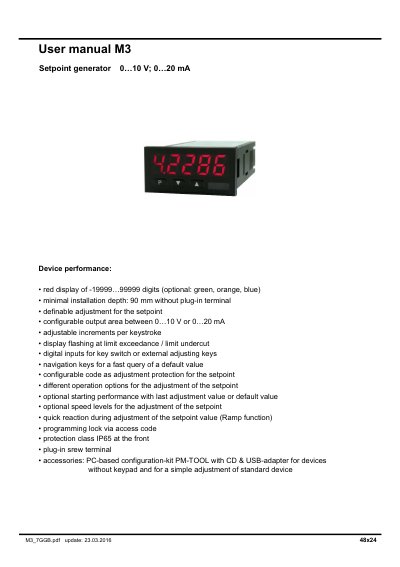
The document serves as a comprehensive guide for the M3 Setpoint Generator (model M3-7GR5A.00X0.770BD), designed to adjust machine operating parameters like temperature or speed via integrated outputs of 0...10 V or 0...20 mA. It details device performance, including configurable display options and protection class IP65.
The manual provides step-by-step instructions for assembly, electrical connections requiring a 24 VDC supply, and the three-level operation system (Menu, Menu Group, and Parameterisation). It explains how to use front keys or digital inputs for adjustment, set alarms/relays, utilize the PM-TOOL software for configuration, and reset parameters to factory defaults.
| Supply Voltage | 24 VDC galv. isolated |
|---|---|
| Protection Class | IP65 at the front |
| Output Range | 0...10 V or 0...20 mA |
| Display Digits | -19999…99999 |
| Housing Size | 48x24 mm |
The minimal installation depth is 90 mm without a plug-in terminal.
The display value is changed manually by the user via front keys or digital inputs depending on the adjustment type.
The device can be configured using the PC-based configuration-kit PM-TOOL with a CD and USB-adapter.