
The SCT X3 / SF3 POWER FLASH is a vehicle programming device that requires connection to a Windows-based PC or laptop for updating. The device has menu navigation functionality and provides features such as technical support and vehicle information query.
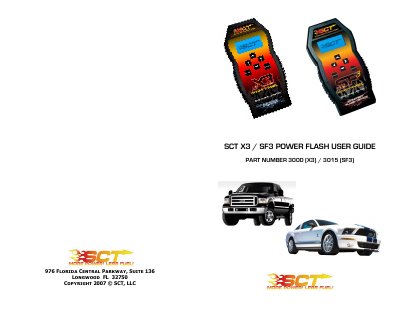
The document serves as a user manual for the SCT X3 (Part Number 3000) and SF3 (Part Number 3015) Power Flash devices. It provides instructions on connecting the device via OBD-II or USB cables to update firmware and program vehicles. Users must connect to a Windows-based PC before attempting to program any vehicle.
You must first plug the device into a Windows-based PC or laptop and update the device firmware.
No, vehicles with these modifications require custom tuning and should not use this product.