
This document provides instructions on how to use Elsevier ScienceDirect, including the login interface, quick search tool, advanced search tool, getting help, remote access, document management tool Mendeley, and other innovative features.
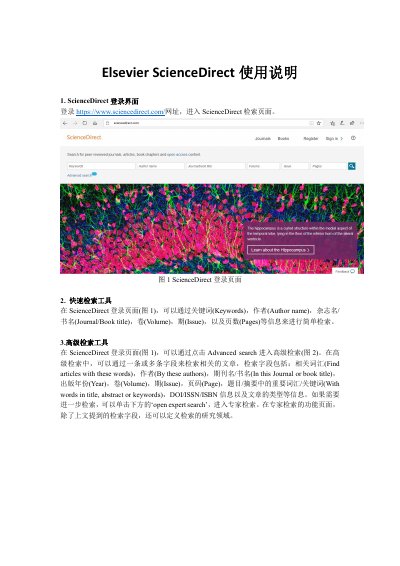
This guide explains how to access the Elsevier Science Direct database via its login page. It details methods for conducting simple keyword-based searches as well as complex queries using specific fields like author name, journal title, publication year, and DOI/ISSN information. Users can also enter expert search mode to define research areas. This manual is written in Chinese.
Quick searches allow users to find articles using keywords, author names, journal/book titles, volume, issue, and page numbers.
To use expert search, click the 'open expert search' button below the advanced search fields to define research areas.