
A quick start guide for using Elsevier's Reaxys database, covering basic searches, query builder, synthesis planner, and export functions.
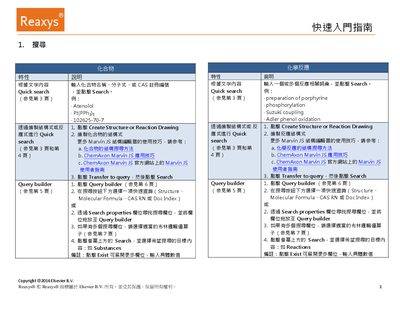
This guide introduces the core features of Reaxys, showing how to perform quick searches for compounds, reactions, references, and properties using text, structure, or reaction drawing inputs. It explains the use of the Query Builder, including Boolean operators and field selection, to refine searches.
Additional sections cover the Synthesis Planner (both manual and automatic planning), as well as how to save queries, export results, and manage search history. The guide provides step‑by‑step instructions with screenshots for each workflow. This manual is written in Chinese.
Enter the compound name, molecular formula, or CAS number in the search field and click Search.
Select the desired Boolean operator (OR, AND, NOT, NEAR, NEXT, PROXIMITY) to combine or exclude fields as needed.
Click the Save button in the upper‑left corner of the Query Builder to store the search conditions as a .json file.
Select the desired results, click Export, choose the format and options, then confirm to download the file.