
CCB enterprise mobile banking is a mobile financial service product that provides functions such as account inquiry, fund transfer, payroll management, credit financing, wealth management products, electronic reconciliation, spot FX, and public-private account management.
The document serves as an operational guide for the China Construction Bank (CCB) Enterprise Mobile Banking service. It outlines procedures for account activation by supervisors, downloading and logging into the client application, and managing user permissions.
Key functionalities covered include account balance inquiries, fund transfers requiring supervisor approval, payroll distribution verification, tax number management, and business card information display. The guide also provides instructions on how to unbind mobile banking devices. This manual is written in Chinese.
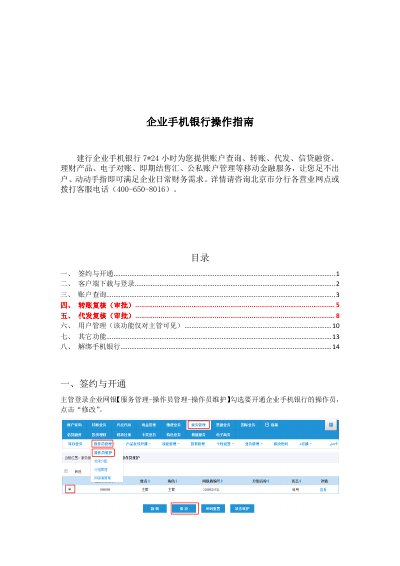
Log in to the online banking system, go to Service Management > Operator Management > Operator Maintenance, select the operator, and click Modify.
Log in as a supervisor, go to Operator Maintenance, select the operator with mobile banking enabled, and click 'Unbind Mobile Banking Binding'.