
Konica Minolta 210 Digital Copier e-Cartoon Billing System User Manual

This document is a user manual for the National High School digital copier e-cartoon billing system. The document explains how to make copies, print using public computers and personal laptops, and check the remaining balance of prints.
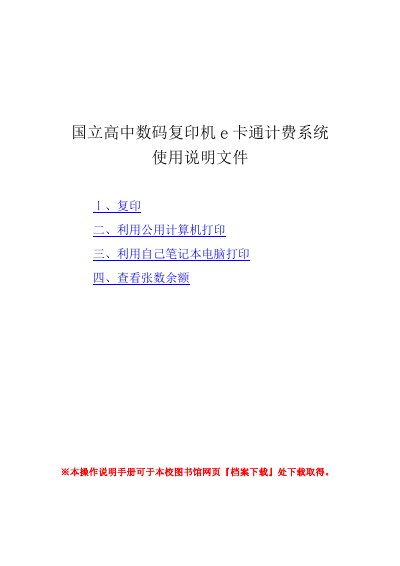

Konica Minolta 210 Digital Copier e-Cartoon Billing System User Manual - cover page
Brand
Konica Minolta
Category
Printer
Document type
User Manual
Language
Chinese
Pages
13
File format
PDF
File size
2.1 MB
Published
11 September, 2022
Updated
28 September, 2023
MD5 checksum
978BC8E00B1ACC9F44E53AE789471551

About this manual

This document outlines the operational procedures for the e-Cartoon billing system integrated with the Konica Minolta 210 digital copier. It details how to perform copying tasks using an IC card, print documents from public computers, and install client software on personal laptops for printing. This manual is written in Chinese.

What's inside

  • Copying
  • Printing via Public Computer
  • Printing via Personal Laptop
  • Checking Card Balance
  • System Setup
  • Network Configuration

Frequently asked questions

How long does it take for the card reader to clear personal data after copying?

The system takes approximately 15 seconds to clear the personal card data from the reader after copying is finished.

What is the default password for the e-Cartoon billing system?

The default password is the individual teacher code.

How many teacher offices are configured for roaming copy services?

The system is set up to allow roaming copy services in 5 teacher offices.

Download PDF (2.1 MB)

More Konica Minolta Manuals


View all Konica Minolta manuals →