
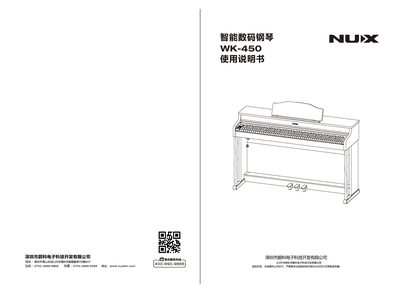
The document begins with safety warnings and precautions, emphasizing proper power source usage, avoiding moisture, and not modifying the internal components. It then guides the user through a quick installation process, including mounting the main body, attaching the foot pedal, and connecting the power supply.
Subsequent sections describe the front and rear panel controls, explain the USB‑MIDI, audio input, headphone and pedal interfaces, and detail how to adjust volume and select sound patches. The final part offers troubleshooting advice for common issues such as no sound output or abnormal operation. This manual is written in Chinese.
| Power Input | DC12V, 2000mA |
|---|---|
| USB MIDI Interface | Supported |
| Audio Input | Stereo left/right channels |
| Headphone Output | Stereo |
Connect a DC12V, 2000mA adapter to the power input connector as shown in the panel description.
Yes, the keyboard provides a USB‑MIDI interface that can be connected to external MIDI devices.